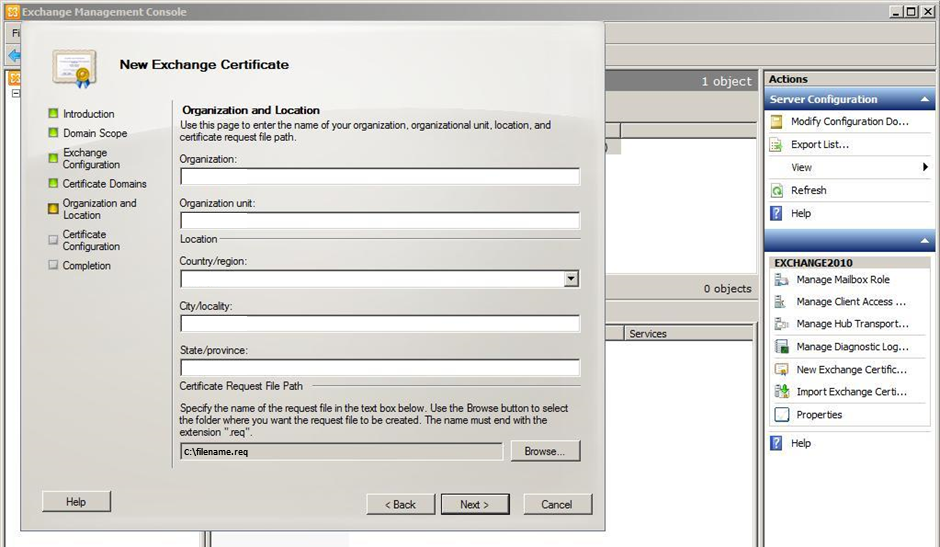
Small Business Server (SBS) 2011: How to Install Your SSL Certificate
To install the SSL Certificate on your Small Business Server 2011, follow the instructions below.
- Extract the contents of the .zip file that contains your SSL Certificate and save the certificates to the Small Business Server where you generated the CSR.
- Install the Intermediate Certificate on the server.
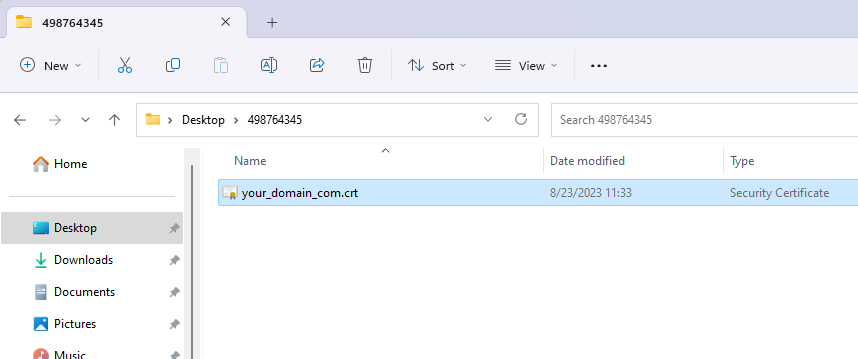
- Double-Select the domainname.crt file.
- In the Certificate window, on the General tab, Choose Install Certificate.

- In the Certificate Import Wizard, on the Welcome to the Certificate Import Wizard page, Choose Next.

- On the Certificate Store page, select Automatically select the certificate store based on the type of certificate and then, Choose Next.

- On the Completing the Certificate Import Wizard page, Choose Finish.
- Open the Windows SBS Console.
- Choose Network > Connectivity.

- On the Connectivity tab, under Task, in the Connectivity Tasks section, Choose Add a trusted certificate.
- In the Add a Trusted Certificate wizard, on the Before you begin page, Choose Next.

- On the A request is in progress page, select I have certificate from my certificate provider and then, Choose Next.
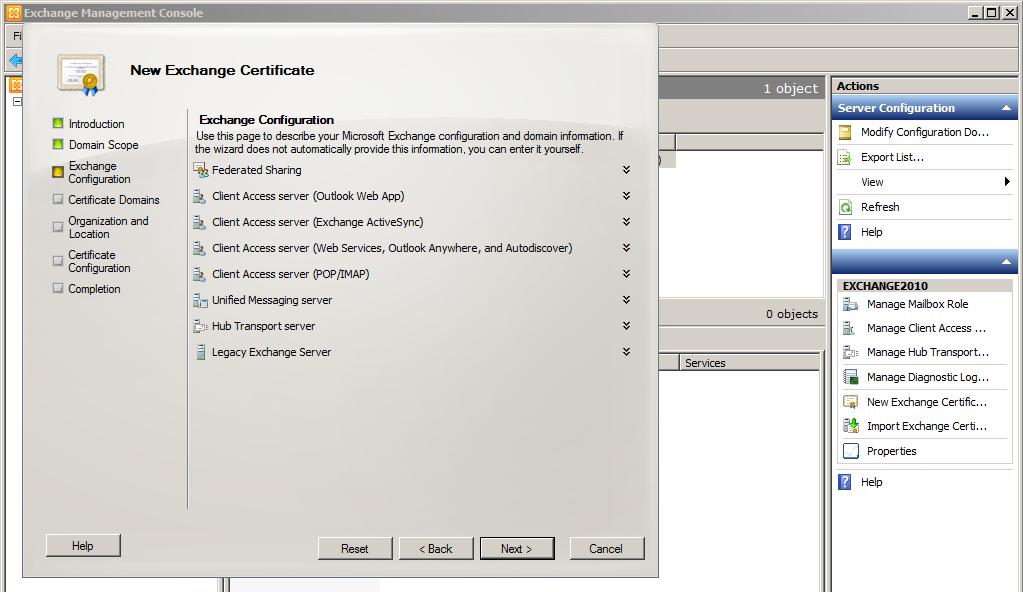
- On the Import the trusted certificate page, do one of the following:
- Paste the encoded text from your SSL Certificate .crt file.
- Use a text editor to open your SSL Certificate .crt file.
Right-Select the SSL Certificate .crt file and select a text editor, such as Notepad or Notepad++, to open it. - Copy the encoded text, including the —–BEGIN CERTIFICATE—– and the —–END CERTIFICATE—– tags and paste it in the Paste the encoded text from your certificate provider box.
- Use a text editor to open your SSL Certificate .crt file.
- Import your SSL Certificate.
- Under Select the certificate file from your certificate provider, Choose Browse.
- Browse to where you saved your SSL Certificate .crt file, select it, and then Choose Open.
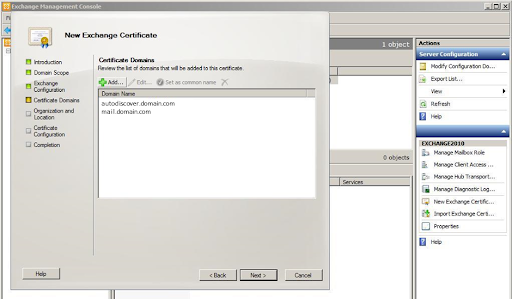
-
- When you are finished, Choose Next.
- On The trusted certificate is imported successfully page, Choose Finish.
- Paste the encoded text from your SSL Certificate .crt file.
You have successfully installed your SSL Certificate on your Small Business Server 2011.