CentOS Webpanel
CSR generation CentOS Webpanel
This guide outlines the steps required to generate a CSR for this server or platform.
- Log in to CWP panel.
- Locate Apache Settings from the left-hand navigation menu.
- Select SSL Certificates from Apache Settings and Click Generate CSR tab.
-
Fill the required fields with the requested information using only alphanumeric characters:
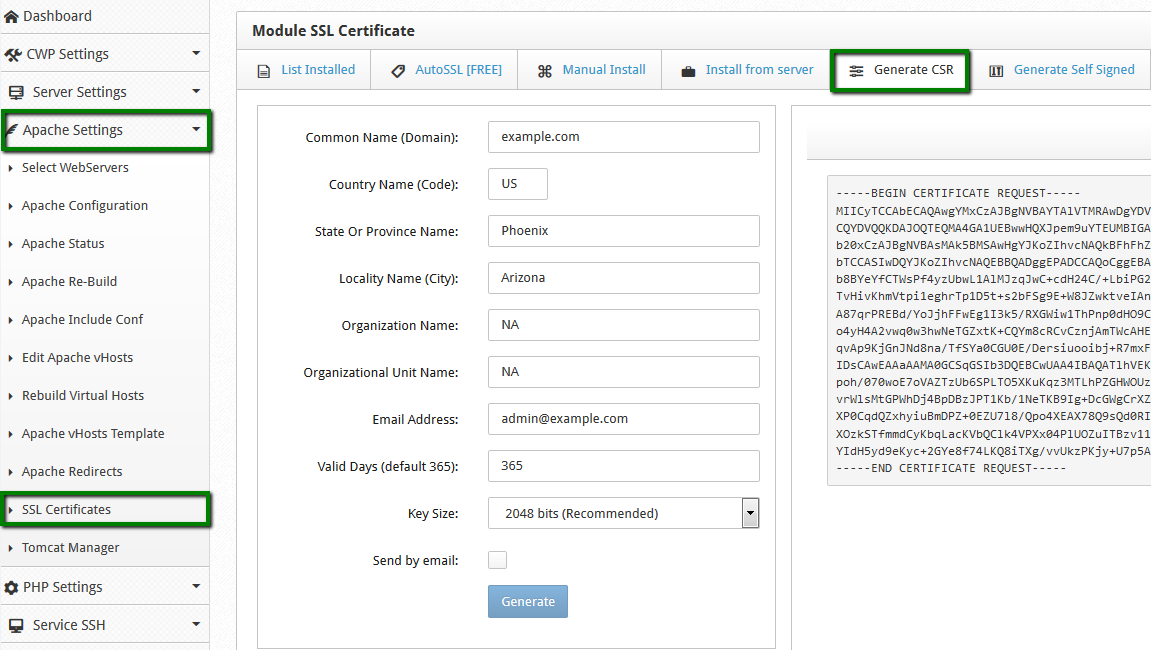
Common Name: Enter the fully qualified domain name for which the SSL will be activated (www.yourdomain.com or yourdomain.com).
Note: If you are generating a CSR for a Wildcard certificate, you should enter the common name starting with an asterisk and period (e.g., *.yourdomain.com).
Country Name: Specify the two-letter country code where your organization is registered. Example: US.
State/Province: Provide the complete state or province name where your company is registered.
Locality/City: Provide the full city or locality name where your company is registered.
Organization Name: Enter the full legal name of your company.
Organizational Unit/Name: Enter the department of your company such as IT, HR etc.
Email: Leave it blank.
Valid days: Enter the default value 365, this value will not affect the validity of your SSL certificate.
Key Size: The key size should be selected 2048 bits from drop down.Note: If you are generating a CSR for a Wildcard certificate, make sure your common name starts with an asterisk and period (e.g., *.example.com).
- Once all the fields are added in CSR form, click the Generate button.
- The system will create two files: the CSR code and the private key. Your CSR code, by default, should be located in the /etc/pki/tls/certs/ folder in a file with the ‘.csr’ extension.
-
The CSR code should be copied including the tags —–BEGIN CERTIFICATE REQUEST—– and —–END CERTIFICATE REQUEST—– to configure the order.
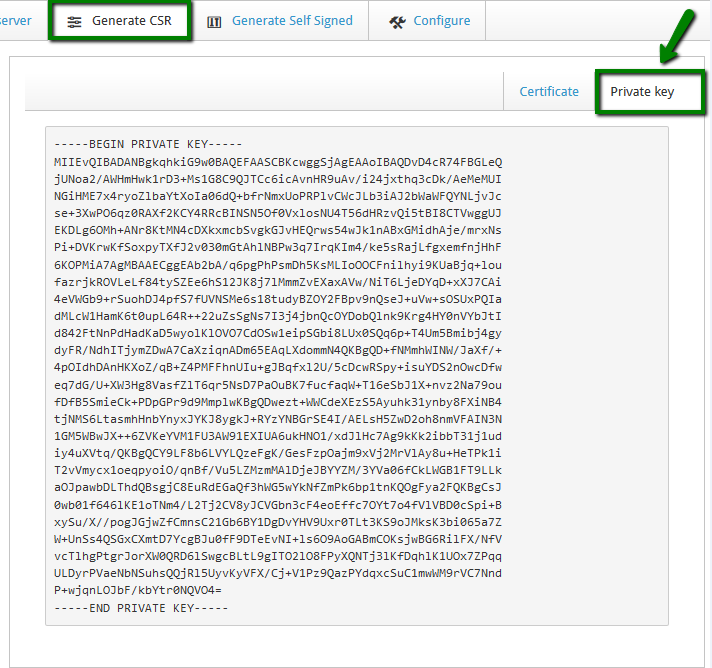
Your Private Key code can be found in the ‘Private Key’ tab. Please Ensure you Save the Private key, since it is not possible to install the certificate without it. Private Key code will be automatically saved in path: /etc/pki/tls/private/ directory.